Assortment Management
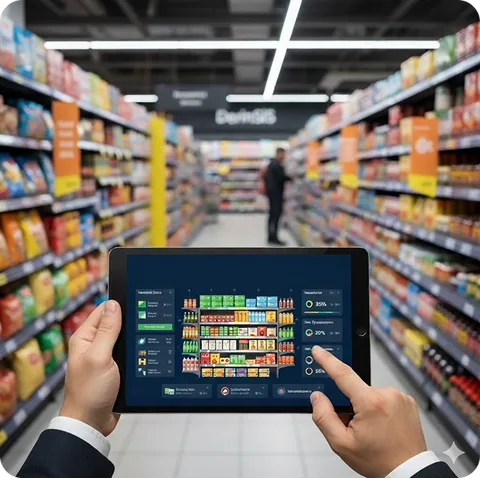
To manage a large number of products across multiple stores in a disciplined manner, each aisle must be bound by rules specific to each store. In this structure, where you can also access store formats, we solve aisle-based differentiation often seen in chains where store formats appear similar at first glance.
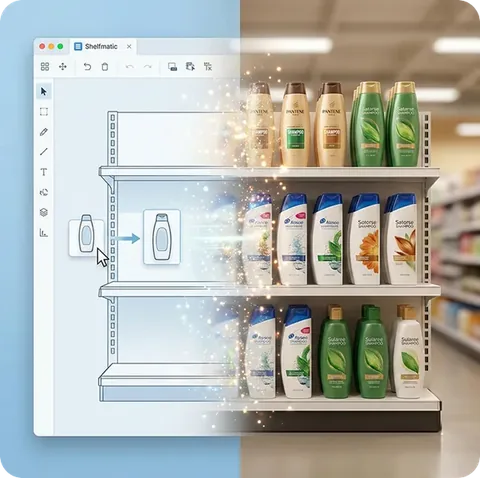
Shelfmatic allows you to classify products based on their usage frequency in aisles and, in addition to planogram aisle features, store the same classification information (variety, size, season, etc.). This way, when designing shelves, the correct products are automatically filtered. The flags you enter for each store's aisles ensure accurate planogram assignment, automatically revealing the product assortment for each store.
Although aisle and category terms are often used interchangeably, we attempt to establish terminology with Derin Bilgi from the following perspective:
- An aisle is information perceived by the consumer and the store, while a category is a term perceived by the institution, i.e., the headquarters.
- An aisle is everyday information, while a category is professional information.
- An aisle is typically horizontal and unbroken, while a category is hierarchical and more conceptual.
- Aisles are based on market offerings, while categories are based on purchasing.
Although both terms are important for reporting, ERP systems usually contain category data as master data. It would be challenging to re-enter aisle data. For this purpose, our projects offer a matching feature to derive aisles from categories. This way, when we assign segmentation features mentioned above to aisles on a store basis, we quickly obtain store product assortment.